

BattleKing
Spirit of darkness
Staff member
Administrator
Moderator
+Lifetime VIP+
S.V.I.P Member
Collaborate
Registered
- Joined
- May 24, 2020
- Messages
- 3,538
- Points
- 523
Reputation:
Ok here the instruction on how to install a style:
First of all we install the additional files, like the styles images and js ones, open the archive
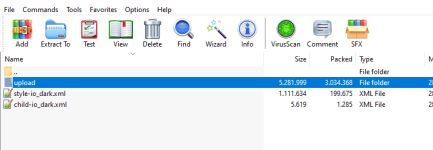 or extract it to a save temp location, now we copy these files (located under the upload folder) into the main location of your Xenforo installation:
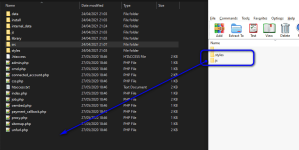 Go to Appearance Styles:
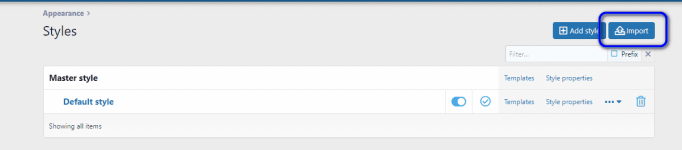 click on import
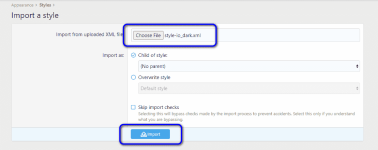
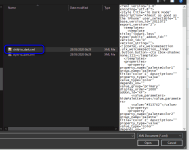
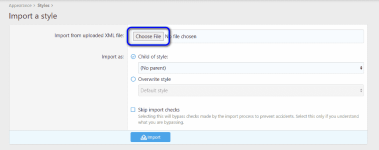 Now click on Choose file to select the first XML file to import, in that case it is called style-io_dark.xml
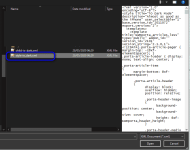 Press now import
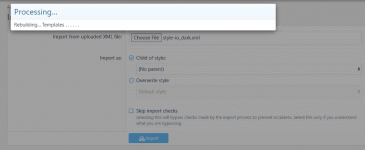
 Import is now starting.
 After that file has been installed
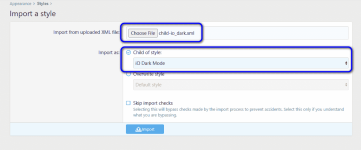
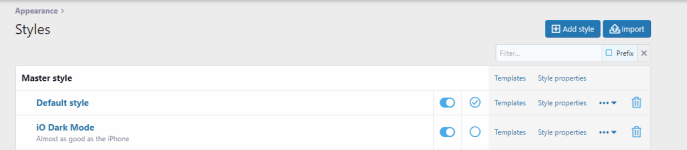 we will install the child style nearly in the same way, press import and choose the child style
 Be sure to select Import as Child of Style:
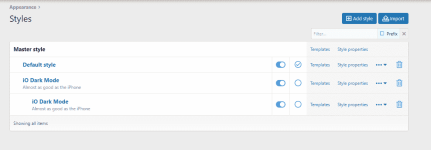
 Press import, after that it is done
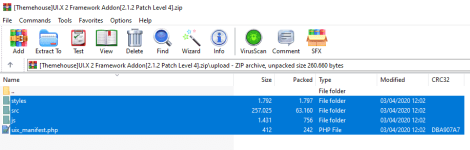
 In such case for some of the Themehouse styles you need to install the Framework AddOn, to do that, copy the content of the ZIP under upload folder to you Xenforo installation main folder
 Go to the ACP into AddOns
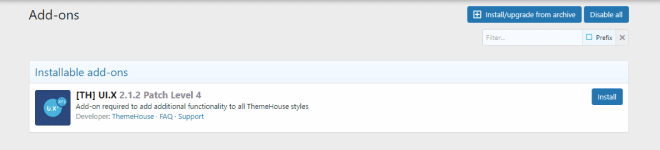 press install and the installation will be started after you confirmed the next dialog
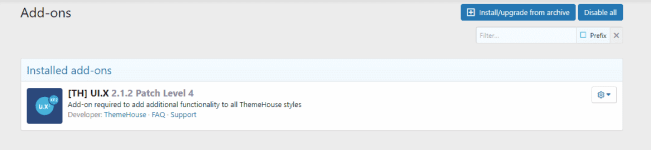
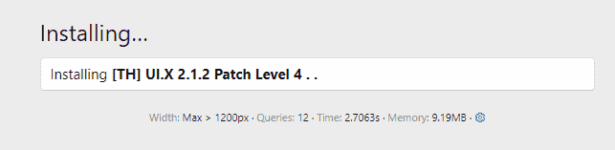 Installed now
 The look of the forum page before
 We will now disable the main theme from the ACP, so that this could not be selected, like that
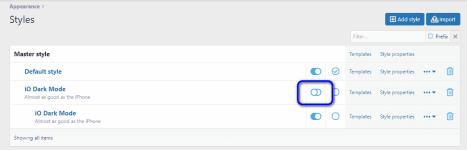 If you now click onto the Style Chooser you should see a menu like this, but please be aware the one with the star at the end, that will only be shown to administrators, because it is disabled
 If you selected the new style your board look like
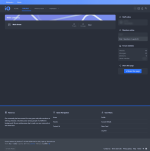 Ok the style installation has been completed, now we get to the part where to change the custom title in the user profile.
Before:
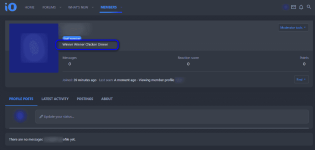 Go to the ACP again to Appearance Styles Templates, choose there the Child theme of the just installed theme, you will recognize it on the incident of the name. In the right top corner enter member into the search field:
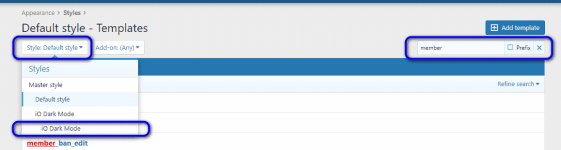 A list will appear like that
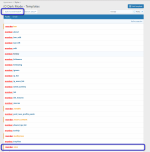 click now on the member_view entry top open the template:
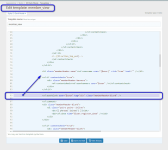 Move the content of line 85 into line 79
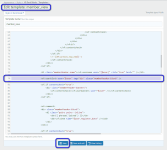 Save the file and reopen the user profile page
Now it looks like that
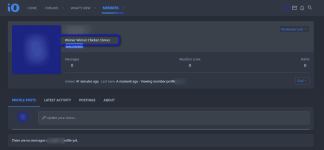
hope this will help.
First of all we install the additional files, like the styles images and js ones, open the archive
Before:
Now it looks like that
hope this will help.
Last edited: